
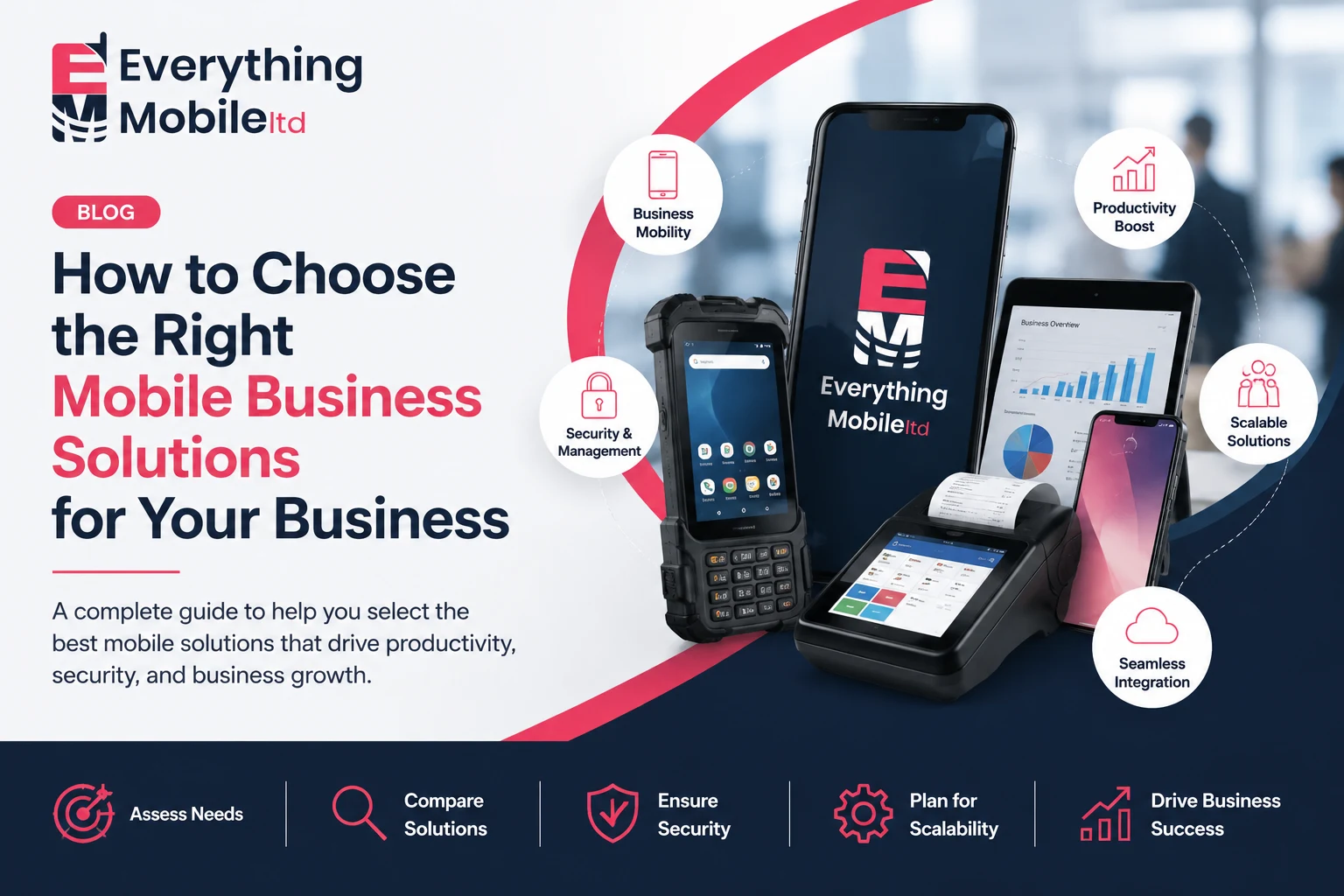
Every business owner eventually hits the same wall: your team is growing, work happens outside the office more than inside it, and the phones and tablets you bought a couple of years ago just aren’t cutting it anymore. Choosing the right mobile business solutions isn’t only about picking a new smartphone model. It’s about building a system that keeps your people connected, your data secure, and your operations running smoothly wherever your staff happen to be.
For small business owners, startups, and IT managers alike, the sheer number of options can feel overwhelming. Business smartphones, rugged devices, mobile device management platforms, cloud collaboration tools, and mobile POS systems each promise to solve a different problem, and picking the wrong combination wastes budget and creates security gaps. This guide breaks down what mobile business solutions actually are, the main types available, and how to evaluate them against your real business needs so you can make a confident, informed decision.
Direct Answer: How Do You Choose the Right Mobile Business Solutions?
Start by mapping your workforce’s daily tasks, then match devices, security tools, and apps to those needs. Prioritise data security, integration with existing software, and scalability, and compare total cost of ownership rather than upfront price alone before committing to any provider.
Did You Know?According to GSMA’s Mobile Economy 2026 report, mobile technologies and services generated $7.6 trillion for the global economy in 2025, a figure expected to climb past $11 trillion by 2030 as businesses increasingly adopt 5G, AI, and mobile-first tools. That scale of growth shows just how central mobile business solutions have become to everyday operations, not a side investment. (Source: GSMA)
Key Takeaways
- Mobile business solutions combine devices, software, and security tools, not just phones.
- Start with a needs assessment before comparing hardware.
- Security and MDM should be planned before rollout, not after.
- Total cost of ownership matters more than upfront device price.
- Choose solutions that scale with your team, not just current headcount.
- Industry-specific setups, such as retail, healthcare, logistics, and field service, need different device and app combinations.
- Piloting a small batch before a full rollout reduces costly mistakes.
What Are Mobile Business Solutions?
Mobile business solutions are the combined set of devices, software, and services that let a company operate, communicate, and serve customers away from a fixed desk. That includes hardware, such as smartphones, tablets, and rugged devices, plus the software layer that manages and secures them, including mobile device management (MDM), business communication apps, and cloud collaboration platforms.
Think of it less as a single product and more as an ecosystem. A retail business might combine mobile point-of-sale hardware with a payment app and an inventory system. A field service company might pair rugged tablets with GPS-based job scheduling software. The right mix always depends on how the business actually operates day to day.
Why Businesses Need Mobile Business Solutions
Work has moved off the office floor. Sales reps close deals from a client’s lobby, field engineers log job reports from a van, and retail staff take payments from the shop floor rather than a fixed till. Without the right mobile setup, all of that becomes slower and riskier.
The practical benefits tend to show up quickly:
- Faster response times, because staff can access information without returning to a desk
- Better customer service, particularly in retail, logistics, and field service
- Reduced paperwork and manual data entry
- Stronger oversight of remote or hybrid teams
- Lower long-term costs when devices and software are chosen to scale with the business
None of these benefits appear automatically, though. They depend on choosing mobile business solutions that genuinely match how your team works, which is where most businesses go wrong.
Types of Mobile Business Solutions
Mobile business solutions fall into a handful of categories. Most businesses will need a combination of several, rather than just one.
Business Smartphones
Business smartphones remain the backbone of most mobile strategies. Beyond calls and email, they run the apps your team relies on for scheduling, communication, and customer management. Businesses comparing business phones mobiles for their company often find it easier to work with a specialist business handset supply partner, since battery life, security update support, and durability matter more here than headline camera specs.
Tablets
Tablets suit roles that need a bigger screen for forms, presentations, or design work, such as healthcare staff reviewing patient records or sales teams running product demos. They bridge the gap between a phone’s portability and a laptop’s screen size.
Rugged Devices
Warehouses, construction sites, and outdoor field teams need rugged devices built to survive drops, dust, and extreme temperatures. A standard consumer smartphone often fails within months in these environments, making rugged hardware a smarter long-term investment despite the higher upfront cost.
Mobile Device Management (MDM)
MDM software lets IT teams enrol, configure, monitor, and remotely wipe company devices from one dashboard. It’s arguably the single most important tool for businesses issuing multiple devices, since it enforces password policies, pushes software updates, and protects data if a phone is lost or stolen.
Business Communication Apps
Instant messaging, video calls, and team channels keep distributed staff aligned without endless email threads. The best business communication apps integrate with calendars and file storage, so conversations don’t get separated from the work they relate to.
Cloud Collaboration Tools
Cloud-based document sharing and project tools let teams edit and access files from any device, anywhere. For businesses with remote or field staff, cloud collaboration removes the bottleneck of waiting to be back at a desk to update a shared file.
Mobile POS Systems
Mobile point-of-sale systems turn a tablet or smartphone into a till, letting retail and hospitality staff take orders and payments anywhere in the store. This cuts queue times and frees up floor space that a fixed checkout counter would otherwise occupy.
Mobile Payment Solutions
Contactless and mobile payment solutions have become the default customer expectation. Beyond convenience, they speed up transaction times and reduce the cash-handling risks that come with physical tills.
Business Security Solutions
Mobile security software, including endpoint protection, VPNs, and encrypted storage, protects company data on devices that leave the office every day. Given how often phones and tablets are lost, stolen, or connected to unsecured public Wi-Fi, this isn’t optional for any business handling customer data.
How to Assess Your Business Needs Before Choosing Mobile Business Solutions
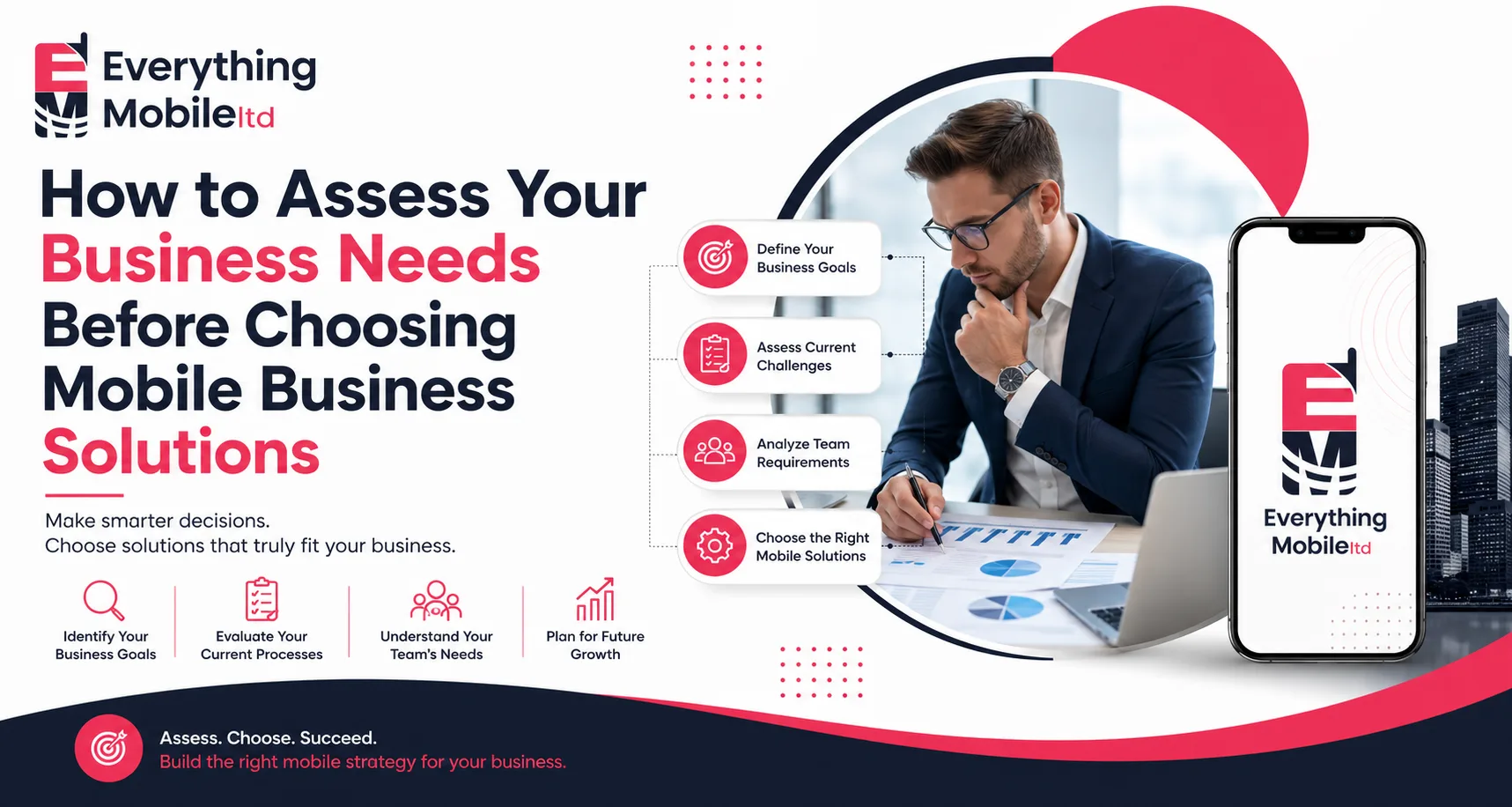
Before comparing products, spend time understanding how your team actually works. Ask:
- Which roles need mobile access, and what tasks will they perform on the device?
- How many devices does the business need now, and in 12 to 24 months?
- What software does the team already rely on, and does it need to integrate?
- What data will be accessed on these devices, and what compliance requirements apply?
- What’s the realistic budget, including ongoing support and software licensing?
Skipping this step is the single biggest reason businesses end up with mobile solutions that don’t fit. If you’re not sure where to start, working through a structured solution design consultancy process can help map these requirements before you spend on hardware.
Essential Features to Look For
- Long battery life for full shift coverage
- Support for MDM enrolment
- Regular operating system and security updates
- Compatibility with existing business software
- Durability appropriate to the work environment
- Clear warranty and repair support
Security Considerations
Mobile devices are one of the most common entry points for data breaches, largely because they travel outside the protected office network. Strong password or biometric enforcement, encrypted storage, and remote-wipe capability through MDM should be treated as baseline requirements, not premium add-ons. Businesses handling customer payment data or health records also need to confirm any mobile solution meets relevant compliance standards before rollout.
Device Management
Once devices are deployed, someone needs to manage updates, monitor compliance, and handle lost or damaged hardware. Larger businesses often centralise this through an MDM platform and a dedicated IT contact; smaller businesses sometimes work with a managed mobile services provider instead. Either way, plan for device management before purchase, not after.
Integration With Existing Systems
A mobile solution that doesn’t talk to your existing CRM, inventory, or accounting software creates duplicate work rather than saving time. Before purchasing, check API availability, existing integrations, and whether your current software provider has a mobile-compatible version.
Budget Planning
Sticker price is only part of the cost. Factor in:
- Device hardware cost
- Software licensing, including MDM, apps, and security tools
- Ongoing data plans
- Repair, replacement, and insurance
- IT support time
Comparing total cost of ownership over two to three years, rather than the upfront device price, usually changes which option looks like the better deal. Many businesses simplify this process by working with dedicated mobile phone procurement services that negotiate device pricing and manage the rollout on their behalf.
Scalability
Choose mobile business solutions that can grow with your team, not just cover current headcount. Cloud-based platforms and MDM systems that support easy device enrolment make it far simpler to add ten new starters than a rigid, manually configured setup.
Industry-Specific Recommendations
Retail
Mobile POS and inventory scanning apps reduce checkout queues and give staff real-time stock visibility on the shop floor.
Healthcare
Tablets with secure, compliant apps let clinicians access patient records at the bedside rather than returning to a shared workstation.
Logistics
Rugged devices paired with GPS tracking and route-planning software keep drivers and warehouse staff connected to dispatch in real time.
Field Service
Technicians benefit from rugged smartphones or tablets running job-scheduling and reporting apps that update office systems instantly.
Sales Teams
CRM-integrated smartphones and tablets let reps update client records and pull proposals immediately after a meeting, rather than days later.
Comparison: Business Smartphones vs Tablets vs Rugged Devices
| Feature | Business Smartphones | Tablets | Rugged Devices |
|---|---|---|---|
| Best For | Everyday communication and apps | Forms, demos, larger screen tasks | Harsh or outdoor environments |
| Portability | Highest | Moderate | Moderate to bulky |
| Durability | Standard | Standard to reinforced cases | Built for drops, dust, extremes |
| Typical Cost | Low to mid | Mid | Mid to high |
| Ideal Users | Sales, office, hybrid staff | Healthcare, retail, sales demos | Field service, logistics, construction |
Comparison: Cloud-Based vs On-Premise Mobile Solutions
| Factor | Cloud-Based Solutions | On-Premise Solutions |
|---|---|---|
| Setup Time | Fast, often same-day | Slower, requires internal infrastructure |
| Scalability | Easy to add users and devices | Requires additional hardware or licences |
| Upfront Cost | Lower | Higher |
| Maintenance | Handled by provider | Managed in-house by IT |
| Remote Access | Built in by default | Needs extra configuration (e.g. VPN) |
| Best For | SMEs, remote and hybrid teams | Businesses with strict data residency needs |
Common Buying Mistakes
Buying devices before deciding on management and security software
Choosing the cheapest hardware without checking durability for the job
Ignoring integration with existing business systems
Underestimating the number of devices needed as the team grows
Skipping staff training on new tools
Best Practices Before Investing
- Map current and future workforce needs first
- Pilot a small batch of devices before a full rollout
- Involve IT and end users in the decision, not just budget holders
- Confirm MDM and security setup before deployment
- Review vendor support and warranty terms carefully
Future Trends in Mobile Business Technology
5G continues to expand what’s practical on a mobile device, from richer video calls to faster cloud access on the move. AI-assisted features are increasingly built into business communication and CRM tools, automating routine tasks like note-taking and scheduling. Meanwhile, more businesses are shifting toward device-as-a-service models, spreading hardware costs over a subscription rather than a large upfront purchase, a trend worth watching if your business is sourcing the right devices for your business for the first time.
Final Buying Checklist
- Needs assessment completed for each role
- Budget includes hardware, software, and support costs
- Security and MDM plan confirmed before rollout
- Integration with existing systems tested
- Scalability considered for future growth
- Vendor support and warranty terms reviewed
- Staff training scheduled
Upgrade your business mobility today.
Choosing the right mobile business solutions comes down to matching devices, software, and security tools to how your team actually works, not to whichever product has the most features on paper. Start with a genuine needs assessment, plan for security and device management from day one, and weigh total cost of ownership rather than the upfront price tag. Businesses that take this structured approach end up with mobile business solutions that scale smoothly, protect company data, and genuinely make daily work easier for staff in the office, on the road, or on the shop floor.
Frequently Asked Questions
What are mobile business solutions?
Mobile business solutions are the combined devices, apps, and management tools, such as smartphones, tablets, MDM software, and mobile payment systems, that let a business operate securely away from a fixed office.
Which mobile business solution is best for small businesses?
There’s no single best option. Small businesses typically start with business smartphones, a lightweight MDM tool, and cloud collaboration apps, then add specialised tools like mobile POS as needs grow.
How much do mobile business solutions cost?
Costs vary widely based on device type, number of users, and software licensing. Businesses should budget for hardware, MDM and security software, data plans, and ongoing support rather than device price alone.
Can mobile business solutions improve employee productivity?
Yes. Giving staff secure mobile access to communication tools, files, and business systems removes the need to return to a desk for routine tasks, which several industry surveys link to measurable productivity gains.
Are mobile business solutions secure?
They can be, provided the business pairs devices with MDM software, enforces strong authentication, and keeps operating systems updated. Without these measures, mobile devices remain a common weak point for data breaches.